
GeoViewer from Extensis - Get APK
You'll be able to download in few seconds.
Publisher Description
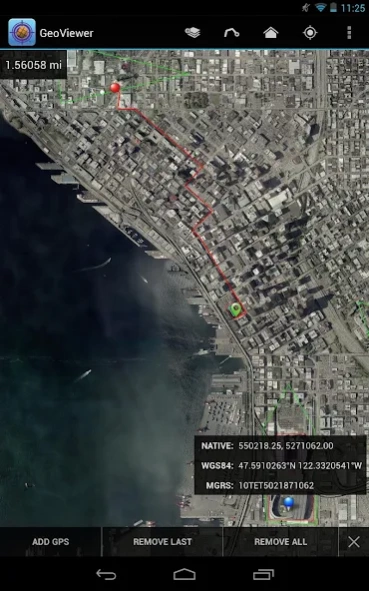
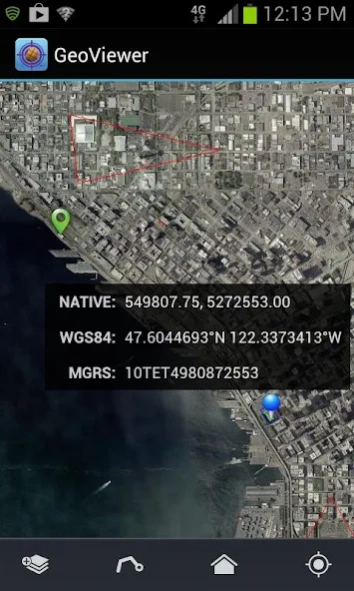
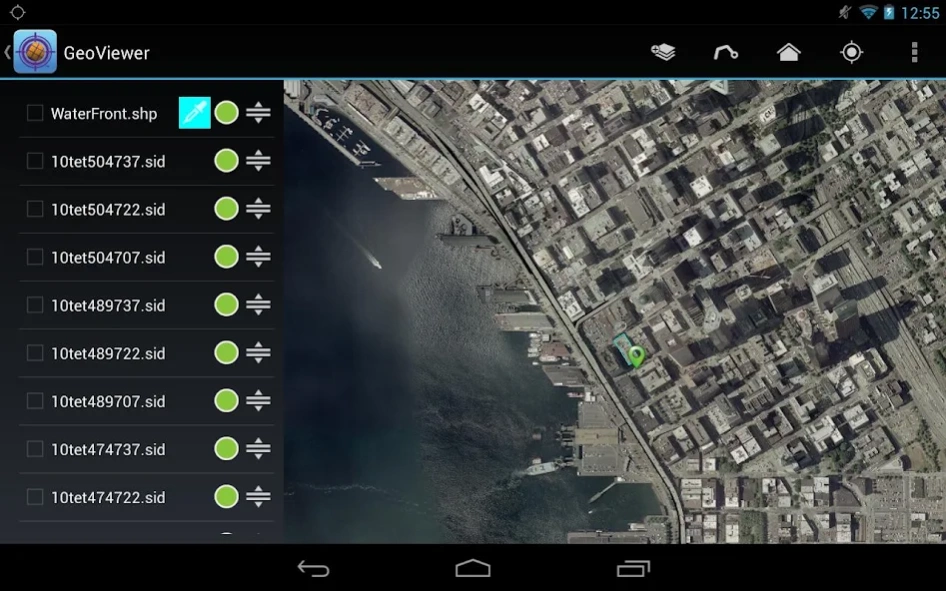
The makers of MrSID bring you the fastest way to view MrSID imagery on the go.
GeoViewer puts high resolution imagery right at your fingertips. GeoViewer enables you to view, pan and zoom MrSID and JPEG 2000 images on your Android device using familiar touch gestures. Open raster and vector layers, measure distances, find locations on maps using GPS, and more.
Things you can do with GeoViewer:
• Open MrSID and JPEG 2000 images.
• Select bands to view from a multispectral image.
• Explore imagery by panning, zooming in and zooming out.
• Add vector overlays (Esri Shapefiles and KML files) to get more out of image layers.
• Center on your GPS location so you can see what’s nearby.
• Measure the distance between a series of points.
• Identify geolocation by touching on any image.
• View layer properties, including coordinate reference system, geo bounding box, dimensions, colorspace, datatype, and resolution.
• Search by geographic coordinates in WGS 84 (Lat/Long) or the image’s native coordinate reference system.
• Set viewing preferences (band selection, layer line color, etc.).
By installing or using this App you agree to be bound by the terms and conditions of the End User License Agreement, https://www.extensis.com/geoviewer-for-android-eula.
About GeoViewer from Extensis
The company that develops GeoViewer from Extensis is Extensis. The latest version released by its developer is 1.0 .
To install GeoViewer from Extensis on your Android device, just click the green Continue To App button above to start the installation process. The app is listed on our website since 2017-05-24 and was downloaded 0 times. We have already checked if the download link is safe, however for your own protection we recommend that you scan the downloaded app with your antivirus. Your antivirus may detect the GeoViewer from Extensis as malware as malware if the download link to com.lizardtech.activity is broken.
How to install GeoViewer from Extensis on your Android device:
- Click on the Continue To App button on our website. This will redirect you to Google Play.
- Once the GeoViewer from Extensis is shown in the Google Play listing of your Android device, you can start its download and installation. Tap on the Install button located below the search bar and to the right of the app icon.
- A pop-up window with the permissions required by GeoViewer from Extensis will be shown. Click on Accept to continue the process.
- GeoViewer from Extensis will be downloaded onto your device, displaying a progress. Once the download completes, the installation will start and you'll get a notification after the installation is finished.
Program Details
System requirements
Download information
Pricing
Version History
version
posted on 2017-05-24
Bug fixes.
version 1.0
posted on 2013-01-07
Disclaimer
External Download
We do not host GeoViewer from Extensis on our servers. We did not scan it for viruses, adware, spyware or other type of malware. This app is hosted by Galad and passed their terms and conditions to be listed there. We recommend caution when installing it.
The APK Download link for GeoViewer from Extensis is provided to you by apps112.com without any warranties, representations or guarantees of any kind, so access it at your own risk.
If you have questions regarding this particular app contact the publisher directly. For questions about the functionalities of apps112.com contact us.
